The free Chrome extension (and phone app) for baby prep. Clip products from any store, keep a baby budget or split costs with a co-parent, share the to-dos — and find soft play, swimming and baby classes near you.
Famillos lives next to whatever you're browsing, so planning happens where the shopping happens.
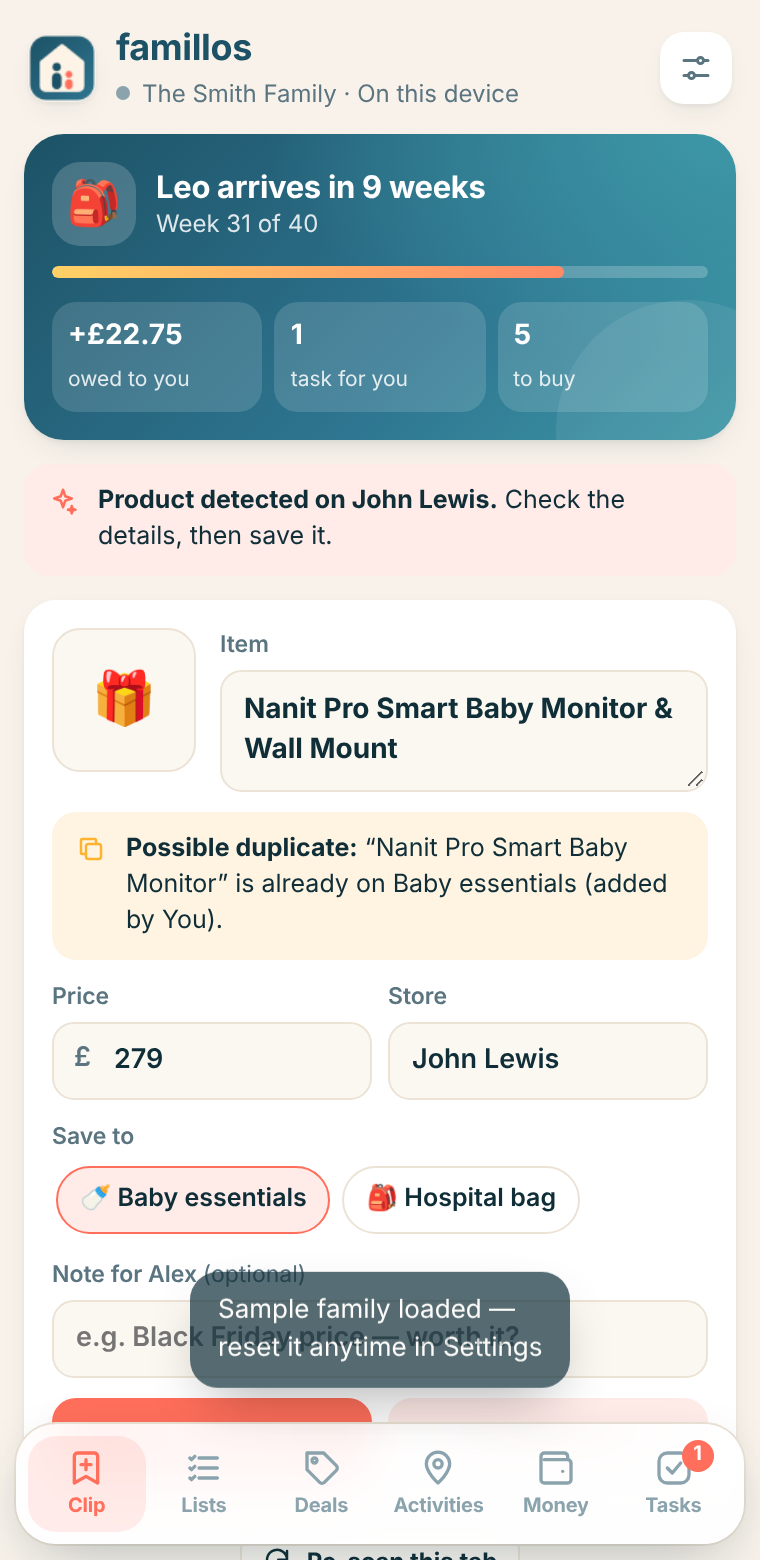
Open the panel on any product page and Famillos grabs the name, price and photo for you.

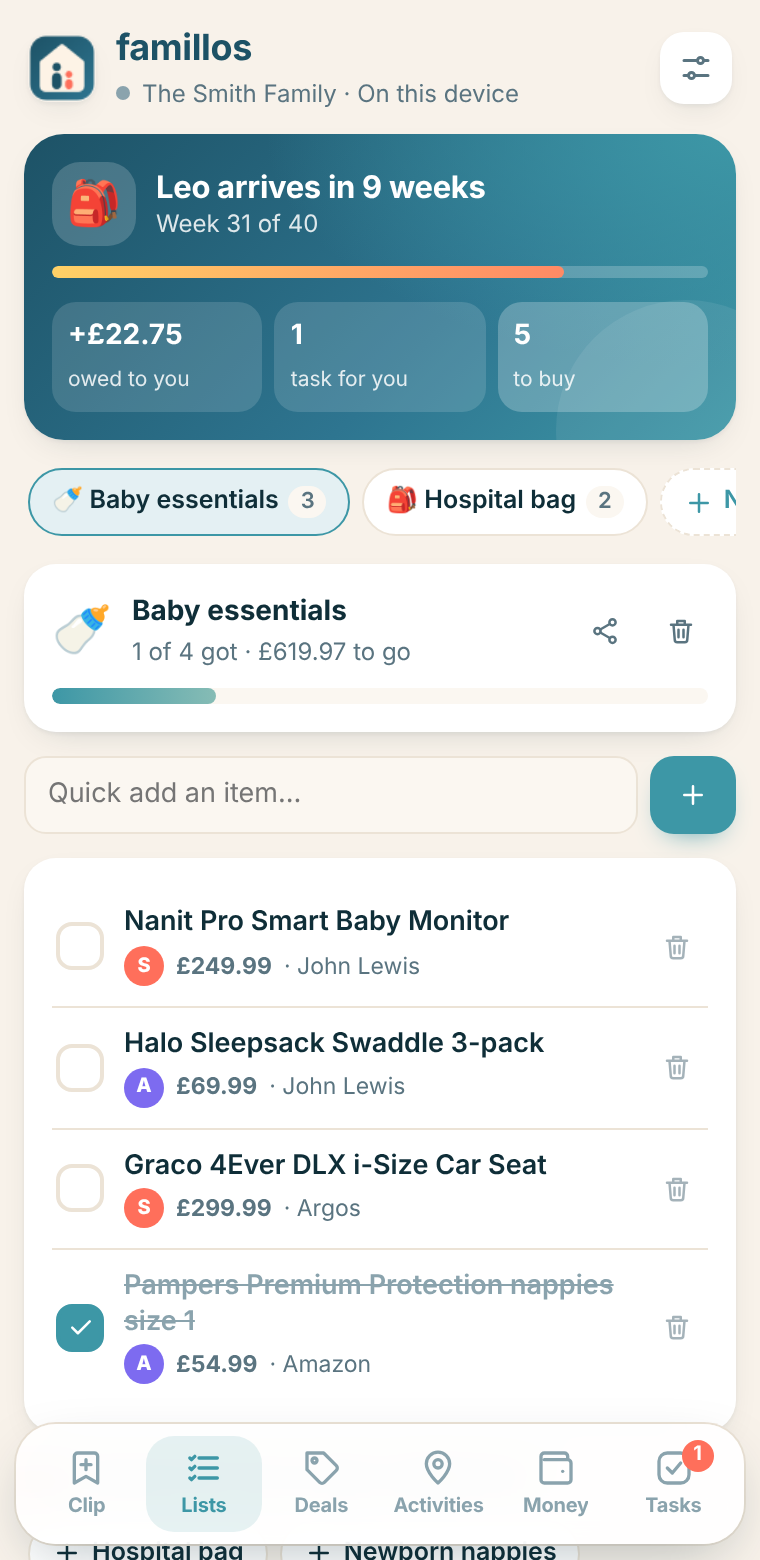
Build lists for the nursery, hospital bag or registry. Tick things off as you go, see what's left to spend, and send the list to a co-parent, grandparent or friend.

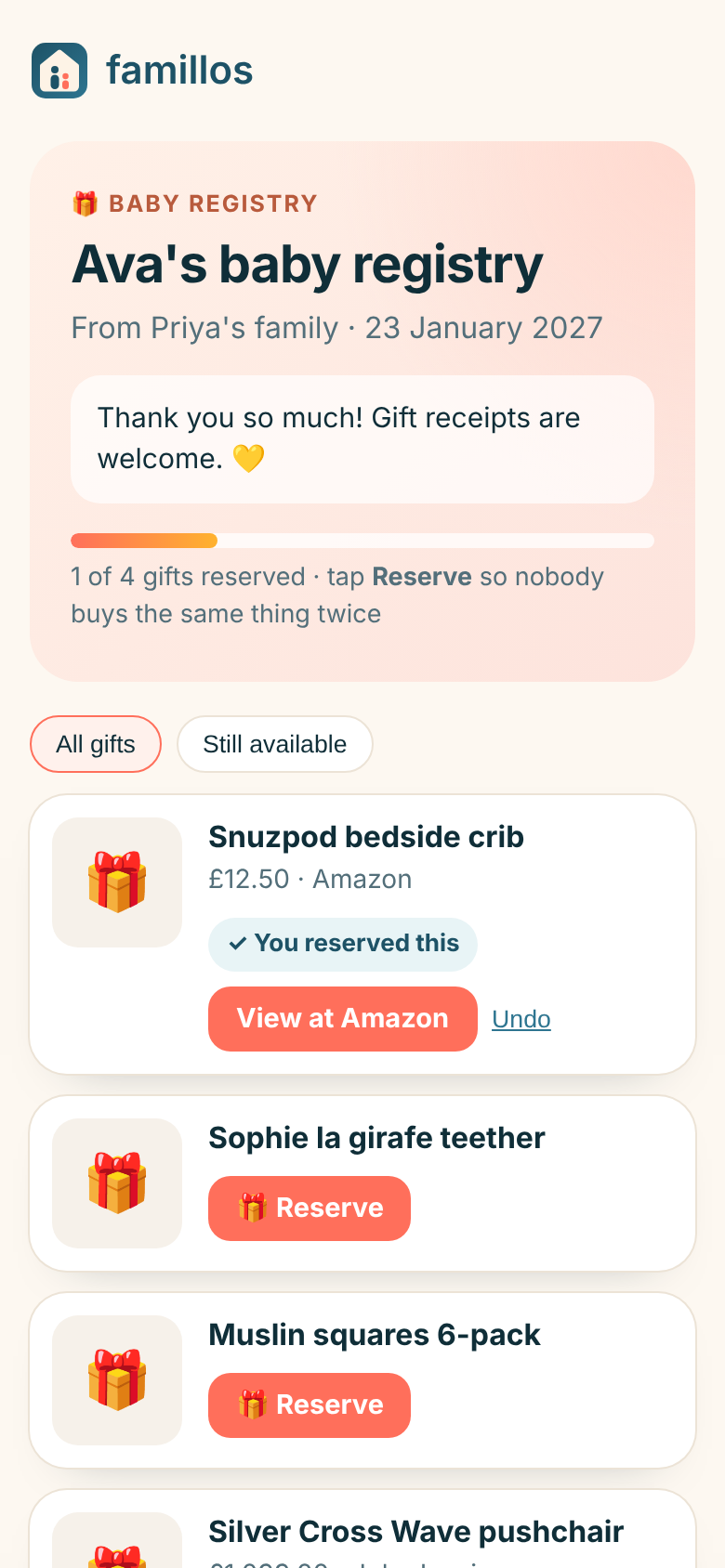
Turn any list into a registry page and send the link to friends and family. They tap Reserve on a gift, and it's marked as taken for everyone else. They don't need an account or the app.

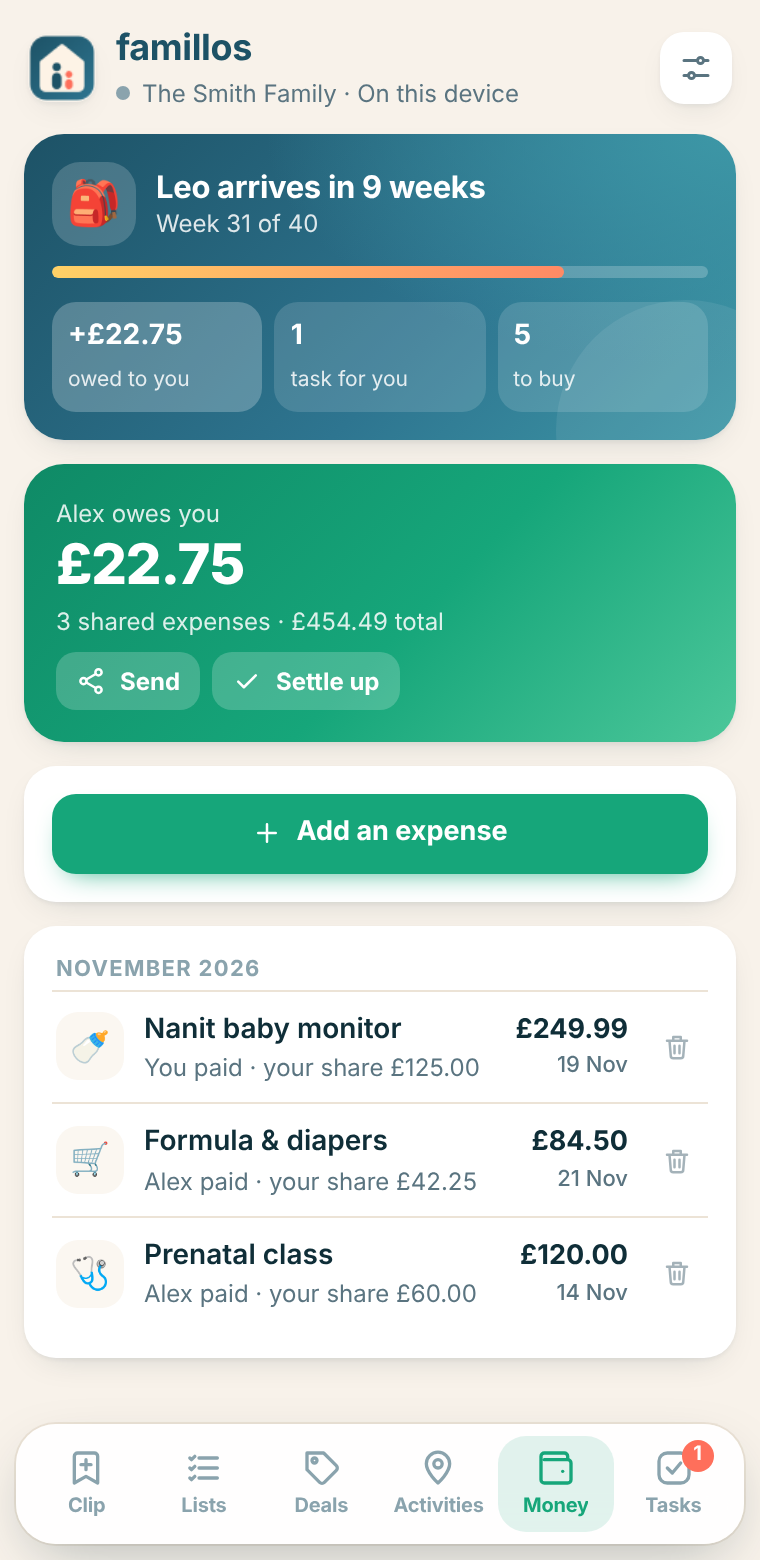
Log baby spending as you go. 50/50 or any custom split, with a running balance and one-tap settle up.

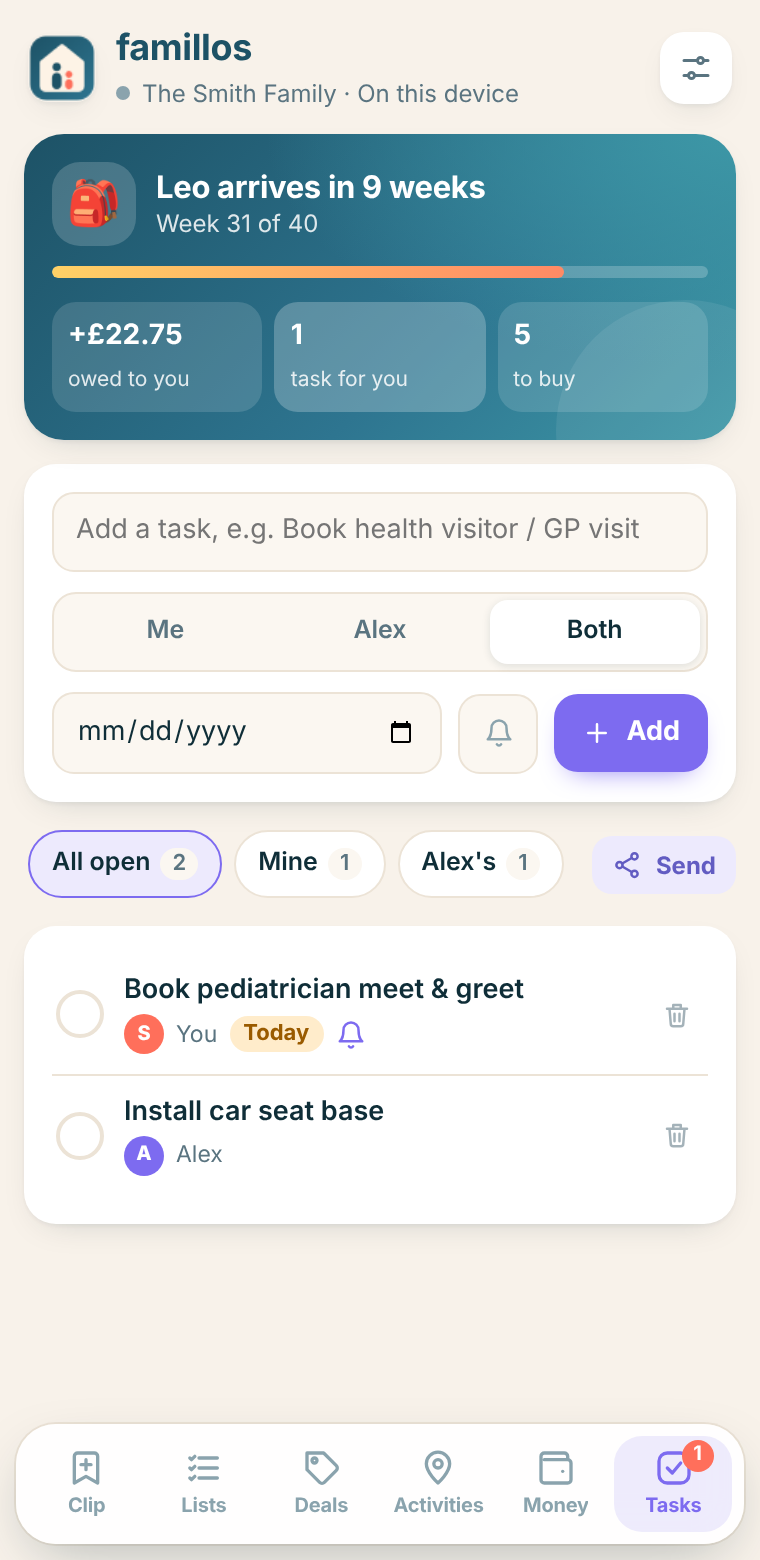
Assign to-dos to each other, set a date, and get a gentle desktop reminder when it's due.

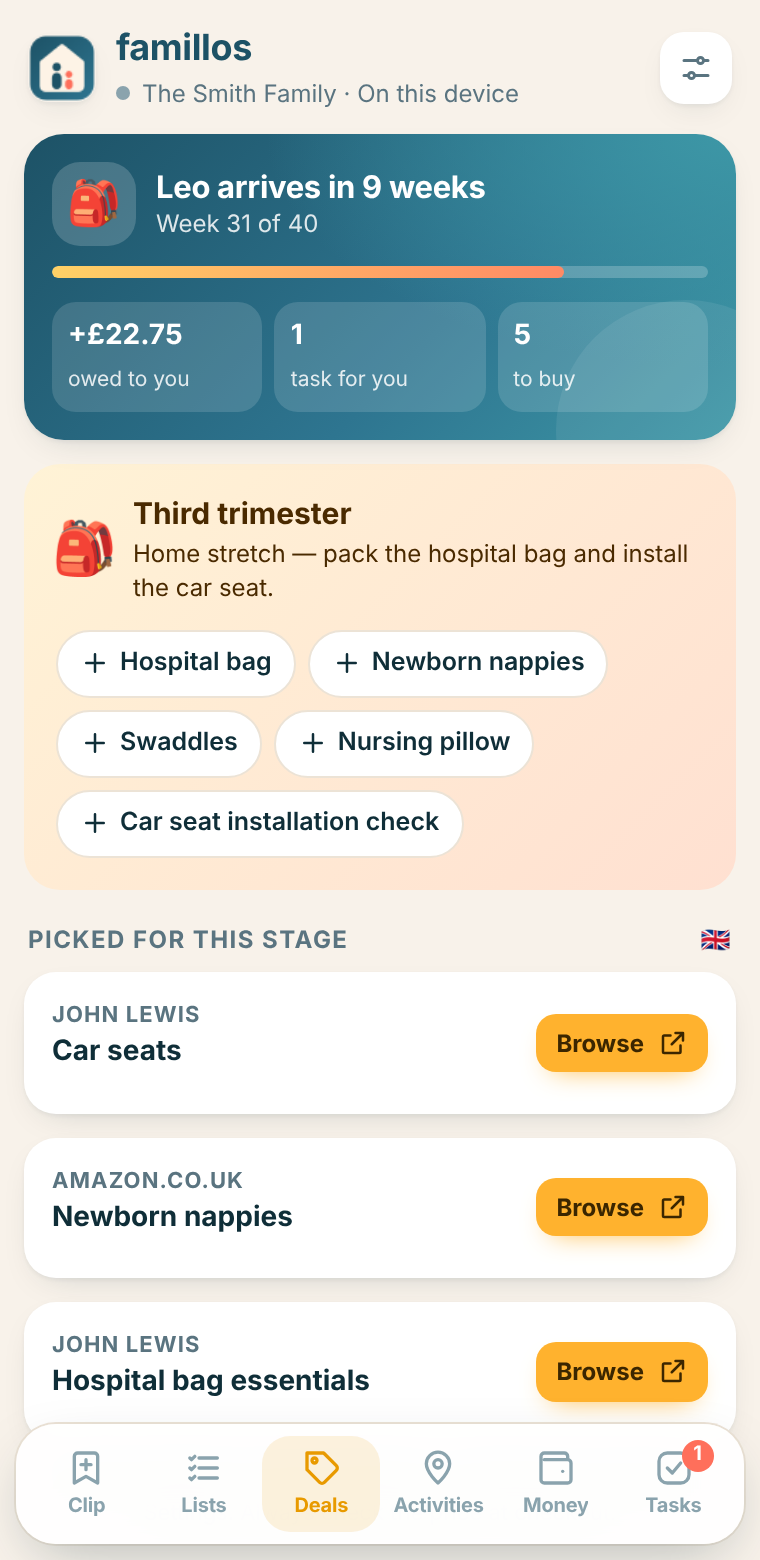
Tell Famillos your due date or baby's birthday. It knows highchairs matter at six months, not six weeks.

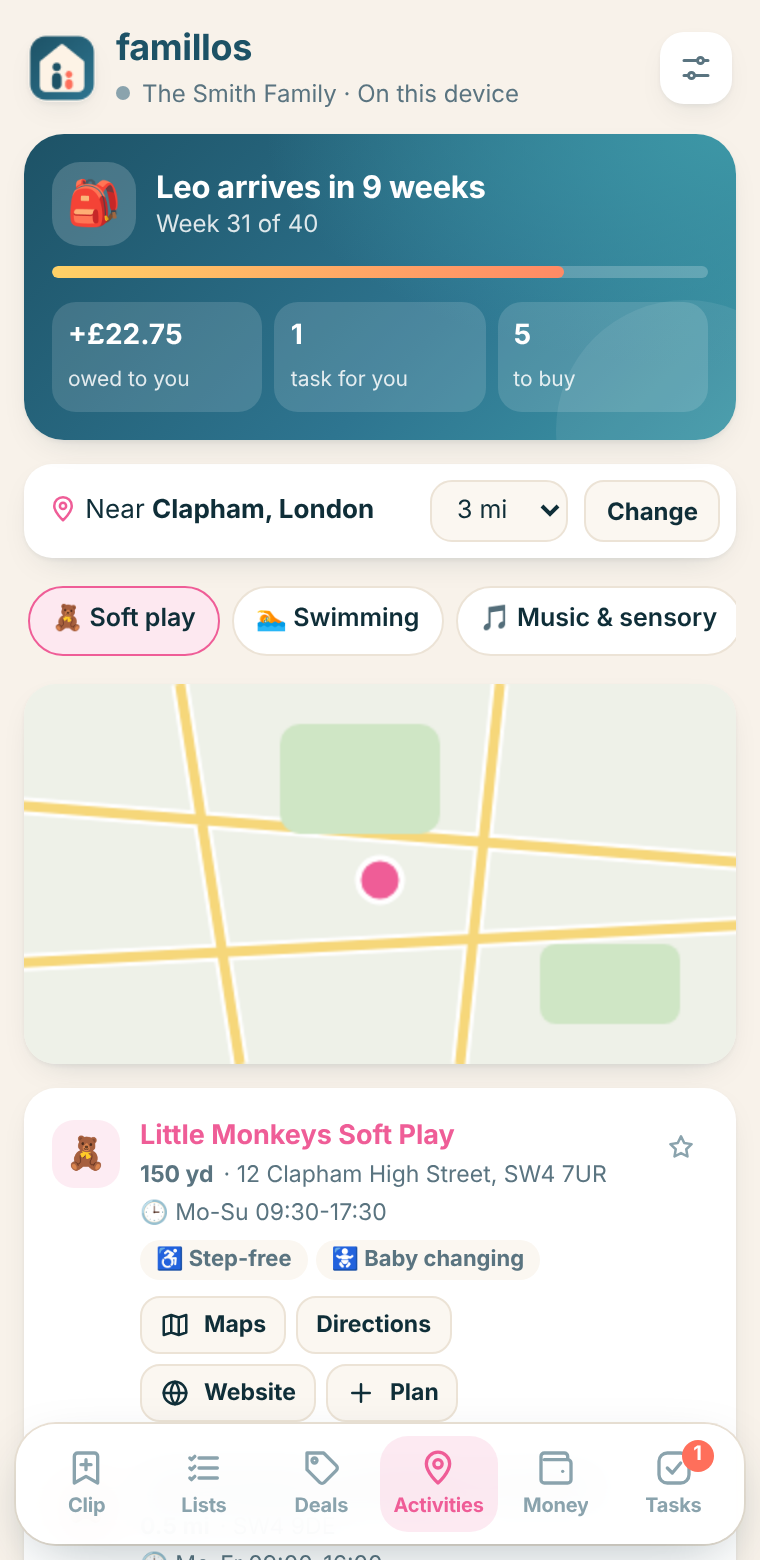
Rainy Tuesday with a 7-month-old? Find soft play, baby swimming, music and sensory classes, nurseries, playgrounds and libraries around you.

Famillos works brilliantly on your own: lists, a baby budget by month and category, reminders and local activities. No partner, no account needed.
No problem. Send a co-parent, grandparent or friend the shopping list, who-owes-what or their to-dos by WhatsApp, text or email — they don't need the app. Want live sync? Use a family code.
Open the Famillos web app on your phone and add it to your home screen. Same lists, same activities — no app store needed.
Open the web app →No forms, no spreadsheets, no new app to download on your phone.
Install free from the Chrome Web Store and pin the 🛍️ icon to your toolbar.
Click the icon on any product page — or right-click → Save to Famillos.
Send a list to anyone by WhatsApp — or give a co-parent your family code to sync live.
ABCD-2345Famillos follows your timeline and suggests what you'll need next.
One short email a week with price drops on the gear you'll actually need next. Unsubscribe anytime.
By signing up you agree to receive our weekly email. Unsubscribe in one click. See our privacy policy.
Yes. Lists, budgets, cost splitting, tasks, reminders and sync are free. We keep the lights on through clearly labelled affiliate links on some deals — you never pay more.
No. Famillos works on its own, and you can send a co-parent, grandparent or friend any list, the cost split or their to-dos by WhatsApp, text or email. If they do install it, you can link up with a family code and everything syncs live.
Only the product page you're on, and only when you open the panel or right-click to save. If you turn on order detection, it also reads checkout confirmation pages to offer adding the total to your expenses. We never sell your data. Read the privacy policy.
Famillos is built for families in the UK, Ireland, Europe and the US — prices show in £, € or $, and deals and activities are matched to your country. Clipping works on almost any online shop (Amazon, John Lewis, Boots, Argos, Target, Walmart, bol.com, dm, Vertbaudet, Etsy and thousands more). If something isn't detected, you can type it in.
Some deals in the Deals tab are affiliate links, and they're labelled “Affiliate”. If you buy through them, we may earn a small commission at no extra cost to you. We never swap or insert affiliate links on pages you browse.
Yes — open the Famillos web app on your phone and choose “Add to Home Screen”. It works on iPhone and Android. The Chrome extension needs Chrome 116+ on Windows, Mac, Linux or ChromeOS; Edge and Brave support is coming.
We search open map data from OpenStreetMap (and optionally Google) around the area you choose. We only store a rough area — never your exact address. Details like opening hours can change, so check with the venue before you go.